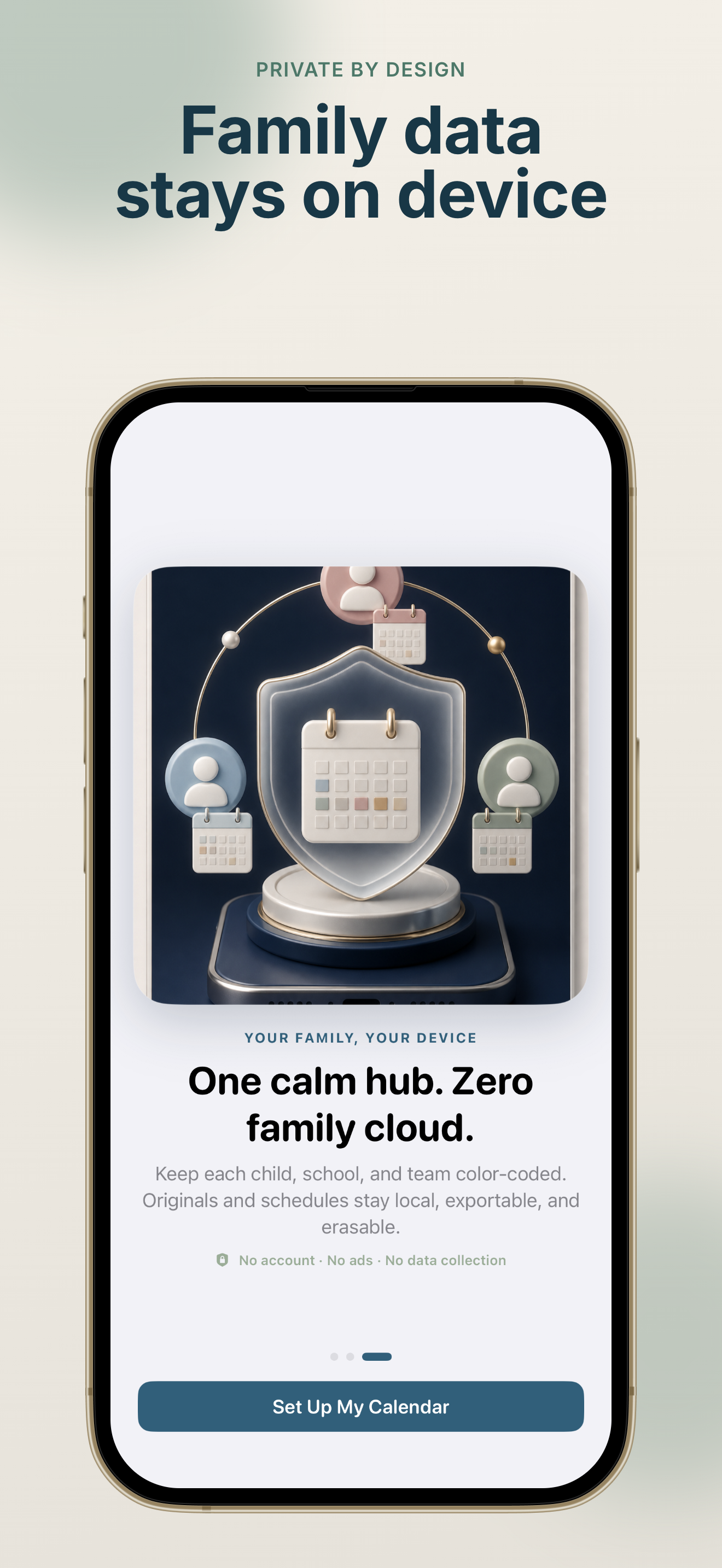
100% on-device processing
OCR, date detection, and storage stay on your iPhone. SchoolSync: Notice to Calendar does not upload school documents to a server.
100% on-device · No account · No ads
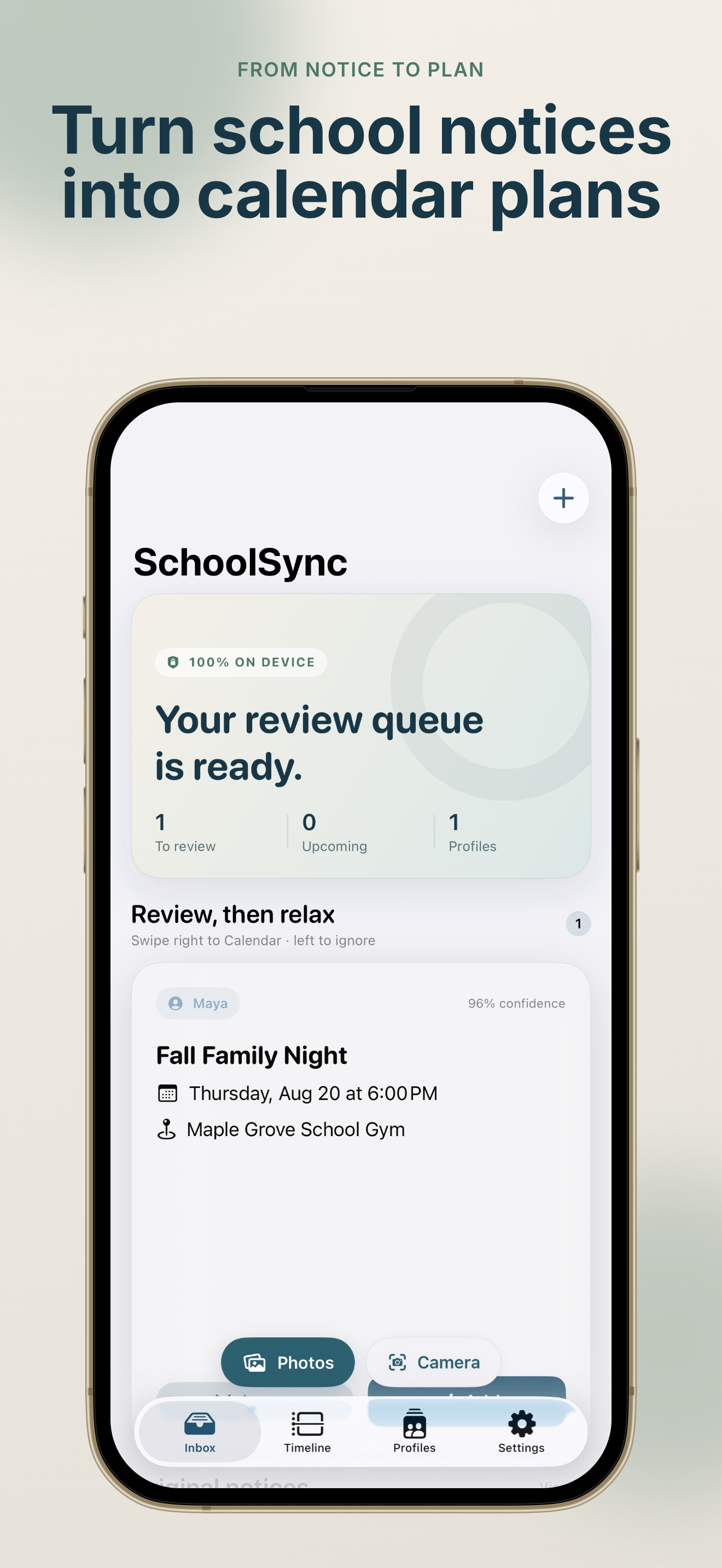
Share a flyer, screenshot, PDF, or email. SchoolSync: Notice to Calendar reads it on your iPhone, finds dates and changes, and lets you review every event before it reaches Apple Calendar—so picture day, field trips, and early pickups never slip through.
Built for parents and guardians who carry the family calendar.
From school notice to verified calendar event—see how SchoolSync: Notice to Calendar keeps family logistics calm.
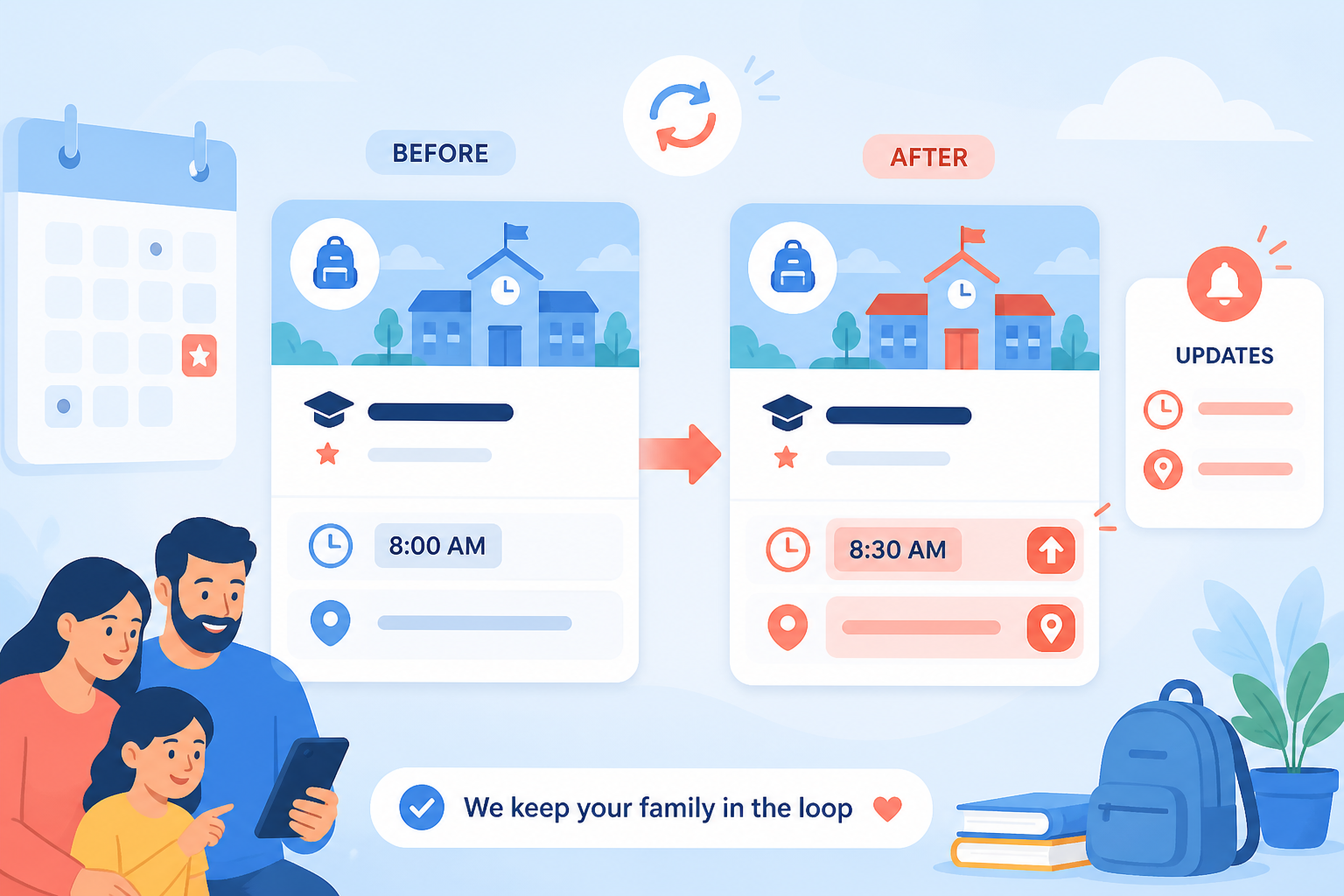
School notices change constantly. SchoolSync: Notice to Calendar helps you catch every update before your family calendar gets messy.
Send a flyer photo, screenshot, multi-page PDF, or pasted email from the iOS Share Sheet. SchoolSync: Notice to Calendar runs OCR locally with Apple Vision—your documents never leave the device.

Smart Diff highlights rescheduled times, new locations, cancellations, and possible duplicates across notices. Review the change, swipe to update Apple Calendar, and keep SchoolSync: Notice to Calendar as your safety net.
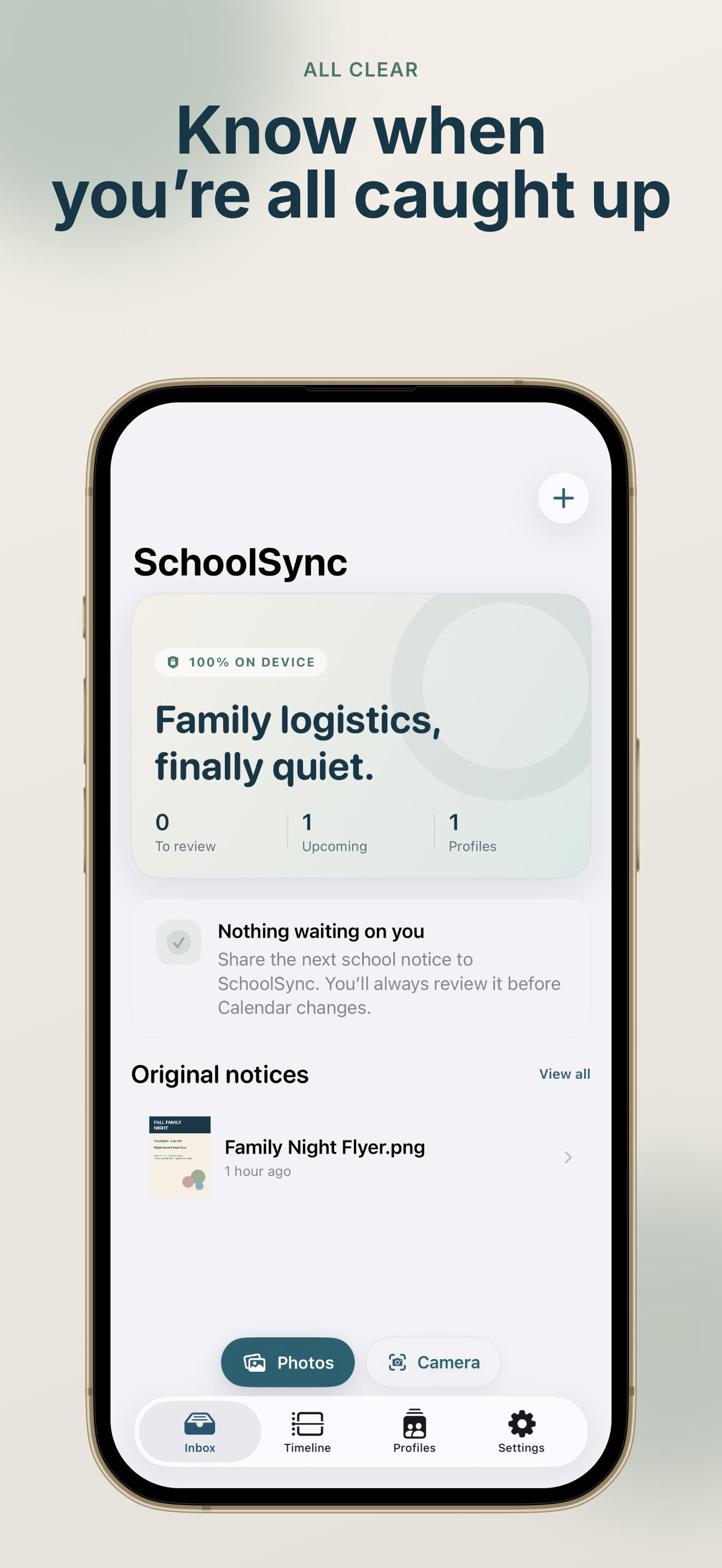
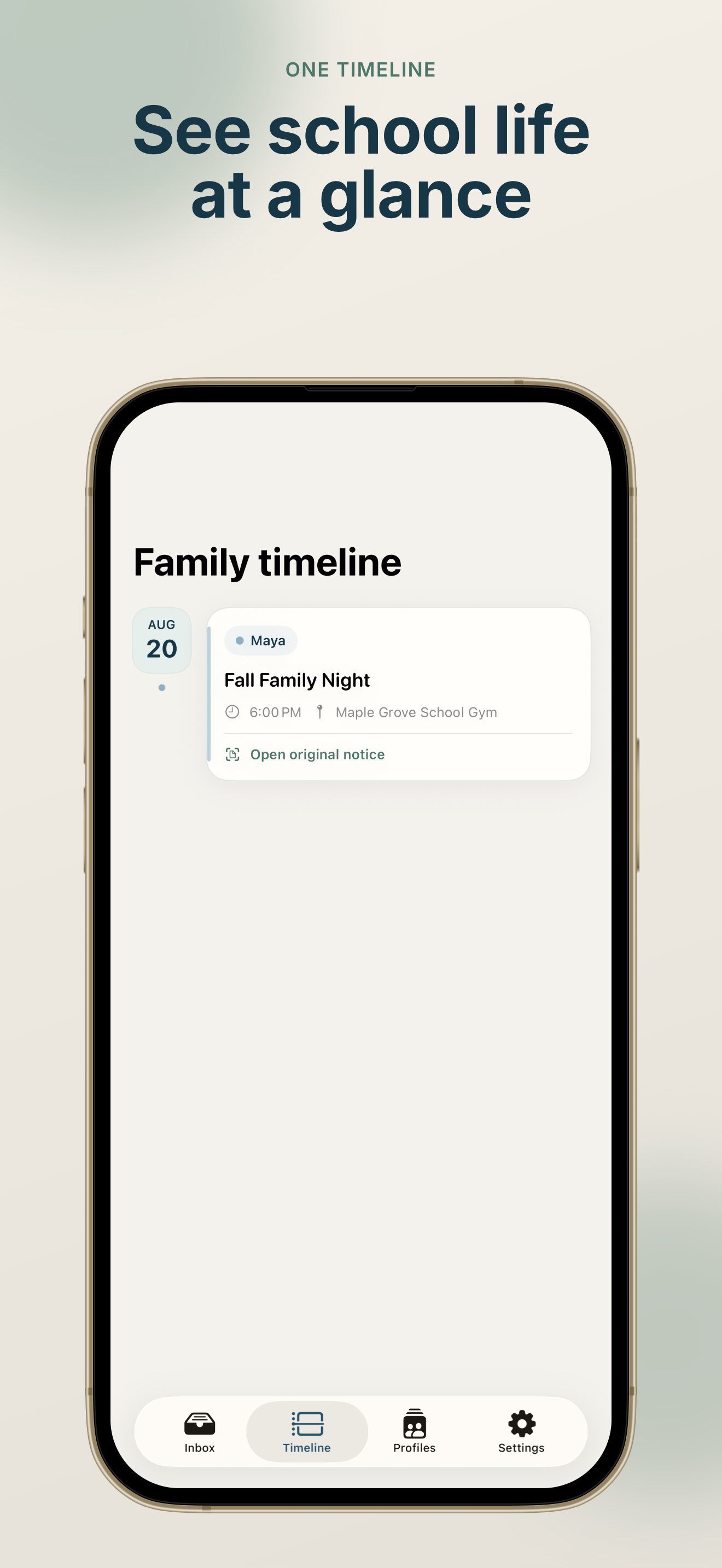
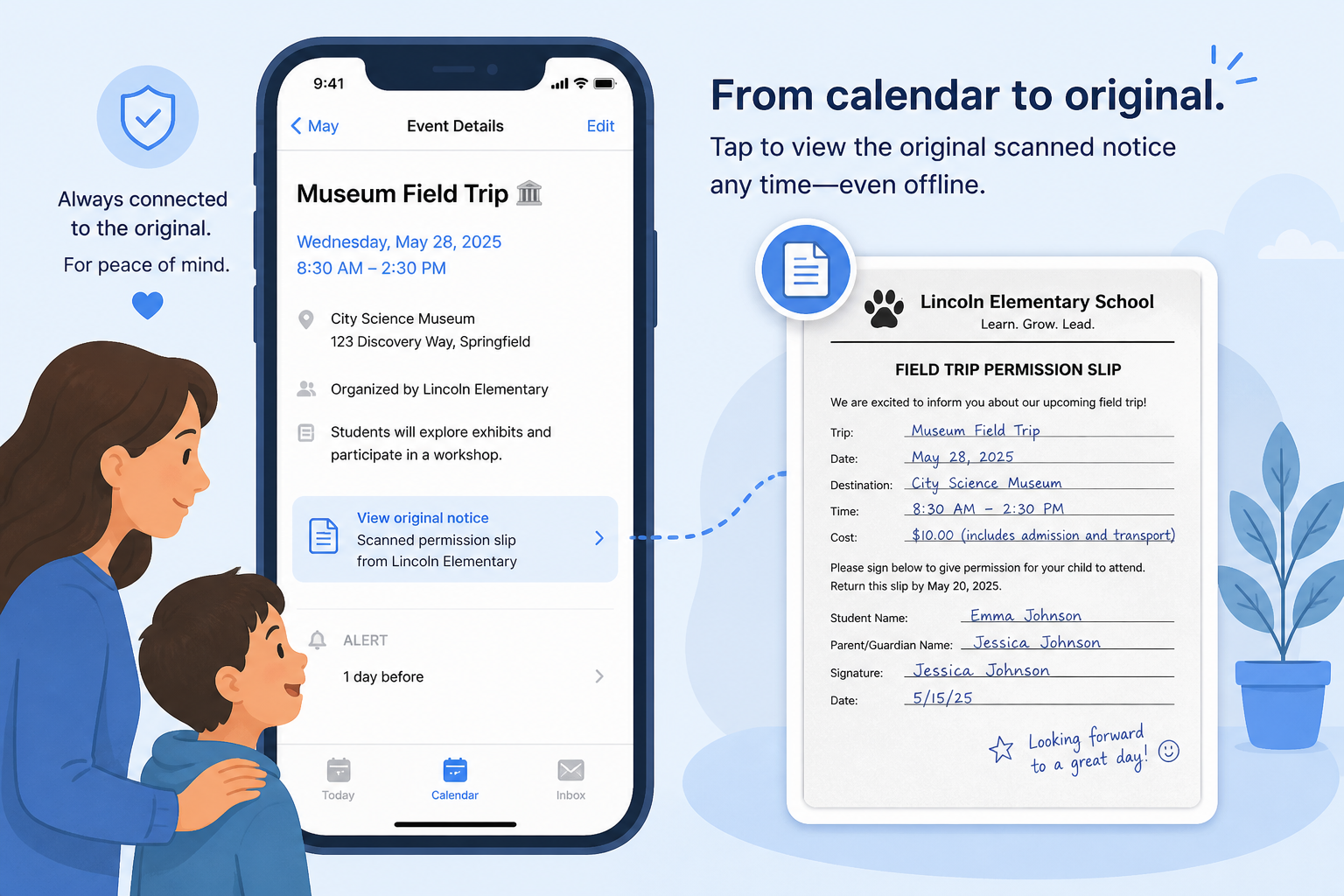
When someone asks “what did the notice say?”, open the offline snapshot from the calendar event. SchoolSync: Notice to Calendar keeps permission slips, dress codes, and pickup details one tap away.
Everything in SchoolSync: Notice to Calendar is designed for busy parents who need accuracy without extra accounts or cloud uploads.
OCR, date detection, and storage stay on your iPhone. SchoolSync: Notice to Calendar does not upload school documents to a server.
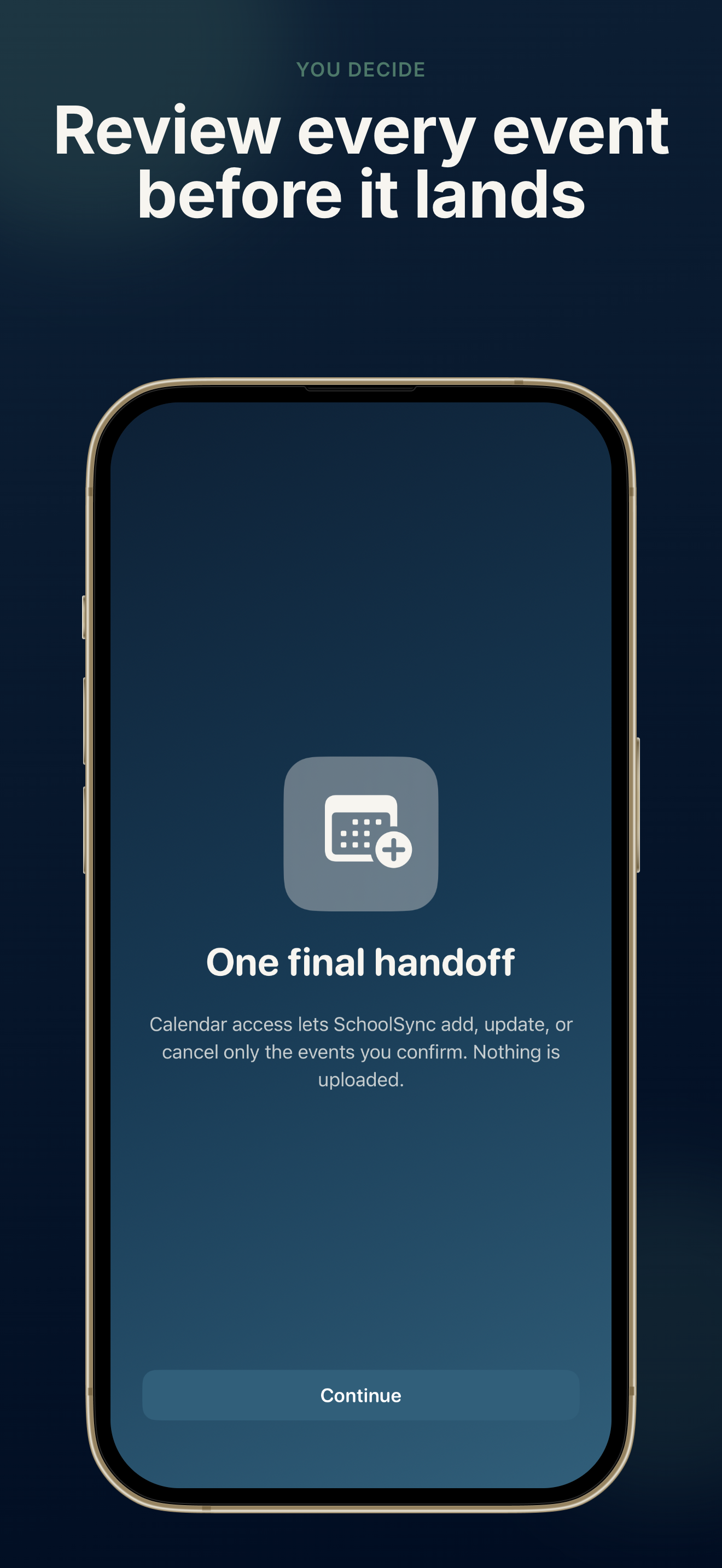
Every event passes through a swipe-to-confirm queue. SchoolSync: Notice to Calendar never writes to Apple Calendar without your approval.
Color-code each child, school, team, or club and map events to the right Apple Calendar. SchoolSync: Notice to Calendar keeps mixed-age families organized.
Import from camera, Photos, Files, Share Extension, or pasted email. SchoolSync: Notice to Calendar handles batch images and multi-page PDFs with Pro.
Protect original notices with biometric lock. SchoolSync: Notice to Calendar also offers ZIP backup export and a full local wipe when you need a reset.
UI in 11 languages plus a separate notice-language setting for OCR and date parsing—helpful when school notices arrive in another language.
Get from school notice to a verified calendar event in under a minute with SchoolSync: Notice to Calendar.
Use the Share Sheet, camera, Photos, Files, or paste email text. SchoolSync: Notice to Calendar accepts flyers, screenshots, and PDFs your school sends.
SchoolSync: Notice to Calendar shows title, date, time, location, and change flags. Swipe right to add to Apple Calendar or left to ignore.
Smart preparation reminders are added automatically—a day before, plus two hours ahead for timed events.
Confirmed events stay linked to offline notice snapshots. When details change, import the update and let SchoolSync: Notice to Calendar highlight what shifted.
Use profiles to route each child’s events to the right calendar color.
Read FAQCommon questions from parents using SchoolSync: Notice to Calendar to manage school schedules.
No. SchoolSync: Notice to Calendar processes everything on your iPhone with Apple Vision OCR and local rules. There is no account and no server that receives your documents.
No. SchoolSync: Notice to Calendar is a private helper that turns notices you already received into reviewable calendar events. Your school’s original message remains the official source.
Free lets you import one source and confirm one detected event per import, with one family profile. Pro unlocks batch imports (up to 10 images or PDF pages), unlimited profiles, Smart Diff updates, offline original recall, ZIP export, and Face ID lock.
Profile deletion removes local SchoolSync history only. Events you already confirmed stay in Apple Calendar unless you remove them yourself. Nuclear Wipe clears app data but not existing calendar entries.
SchoolSync: Notice to Calendar requires iOS 17 or later. You will grant Calendar access when adding events and can optionally enable Face ID to view original notice snapshots.
Download SchoolSync: Notice to Calendar free on the App Store.
Import your next school notice, review the events, and feel the difference when your family calendar stays accurate.
Free to start · Pro available · No account required